I have worked with Azure Automation since the early days, and one thing kept bothering me: the development experience never really felt right.
Too much of the process ended up split between the Azure portal, local scripts, manual testing, and deployment steps living somewhere else. It worked, but it rarely felt like a proper development workflow.
That is why I built Azure Runbook Workbench.
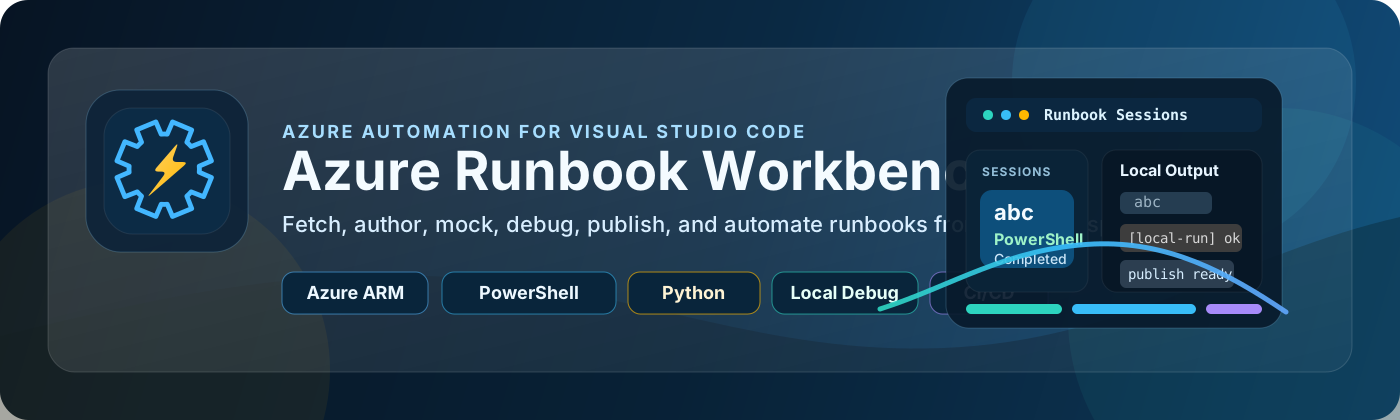
It is a Visual Studio Code extension designed to make Azure Automation feel more natural for day-to-day development. The idea is simple: keep runbooks in your local workspace like normal source files, and use Azure as the place you connect to, fetch from, compare with, and deploy back to.
With it, you can browse Automation Accounts, fetch runbooks, edit them locally, compare changes, upload drafts, publish updates, run them locally with mocked assets, debug them inside VS Code, and even generate starter CI/CD pipelines.
For me, that is the part that matters most. I wanted Azure Automation development to feel closer to real software engineering and less like constant back and forth with the portal.
PowerShell is currently the most complete path, and Python support is already there as well for the main runbook workflows, though that side is still being tested and refined.
The extension is also built around a cleaner workspace structure, so account data, runbooks, mocks, cache, and local modules all have a predictable place. That makes the whole experience easier to manage and repeat across projects.
If you spend a lot of time working with Azure Automation, my hope is that this helps remove some of the friction that has been there for far too long.
It is still a work in progress, with some features already in place and others continuing to evolve.